
Photo day field guide

Get every photo your shop needs.

Customers want to see the people, place, and care behind your shop. Use this shot list to plan one productive photo day—and leave with a library that works across your website, Google profile, social media, ads, direct mail, and recruiting.

Two auto repair shop team members standing outside their shop

One photo day

A full marketing library

Short on time?

Start with these nine must-have shots.

If the schedule gets tight, protect these first. Together they show who you are, what the visit feels like, and how your team cares for a vehicle.

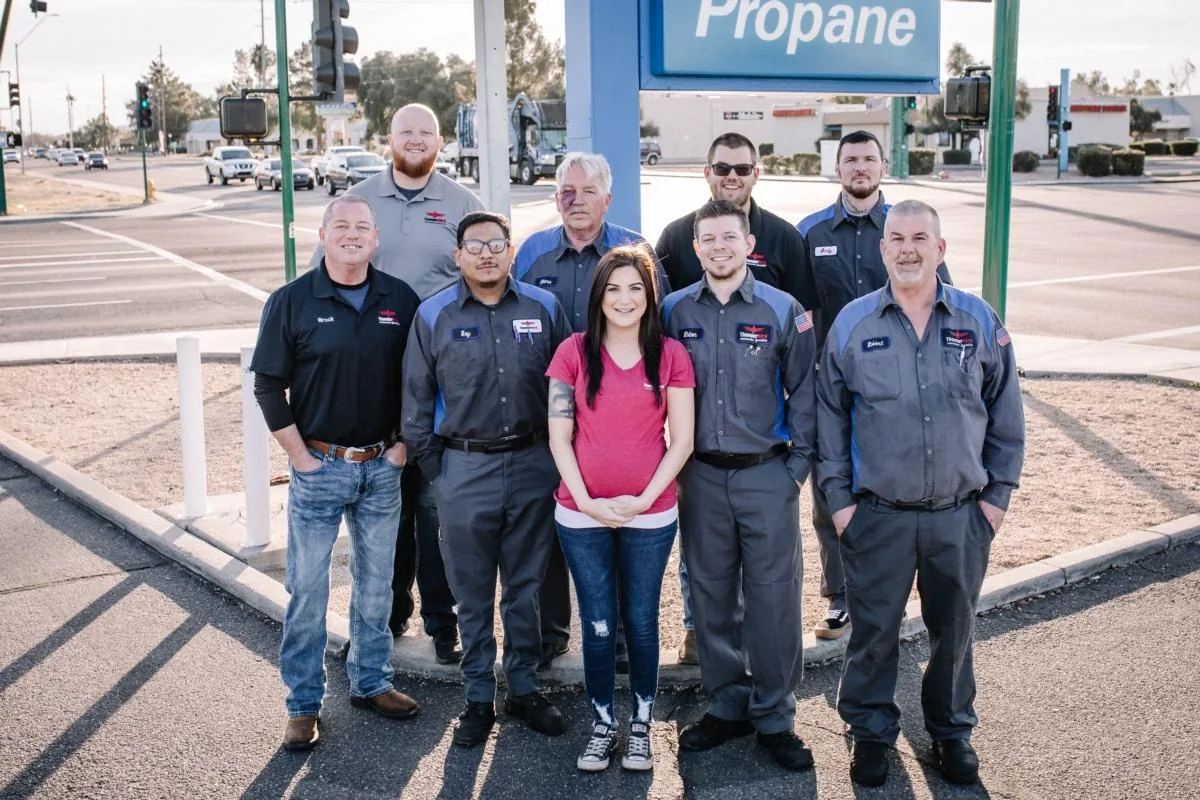
  1. 01 Owner or full team outside the shop
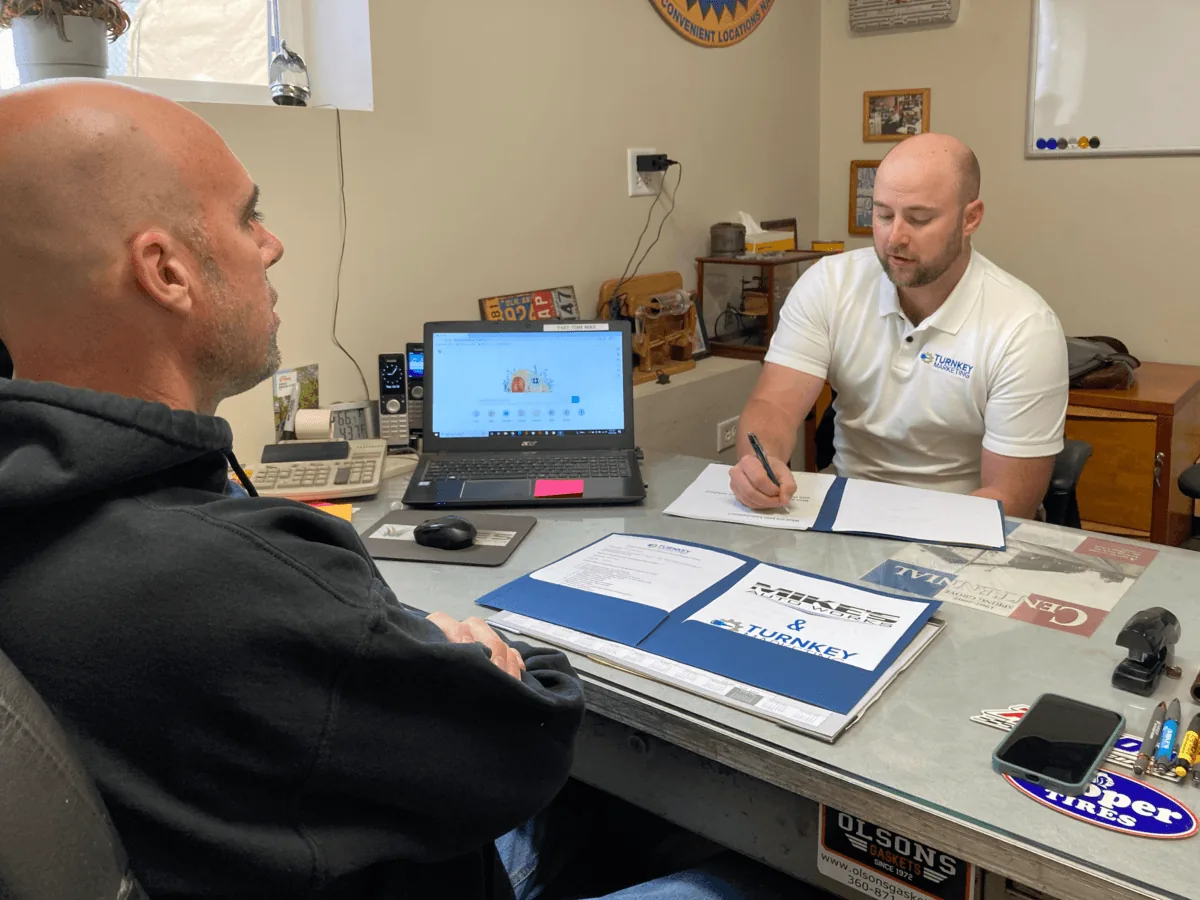
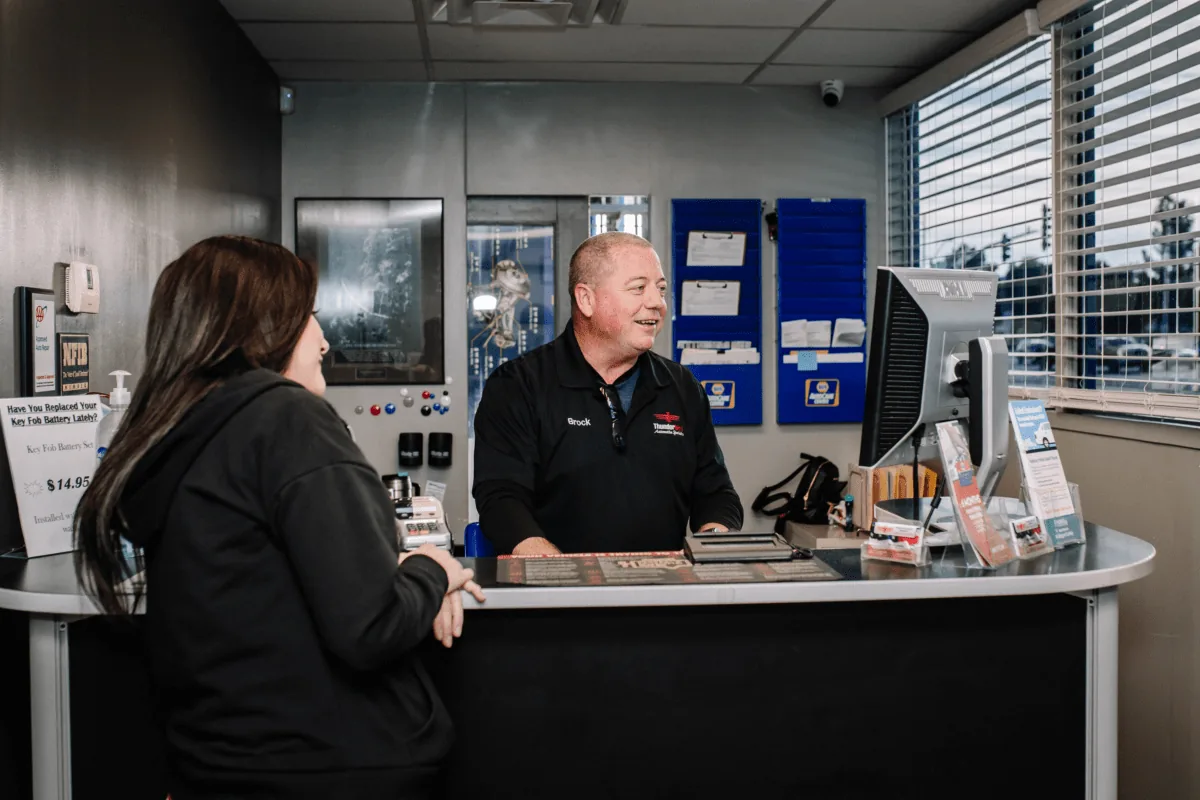
  2. 02 Service advisor helping a customer
  3. 03 Clean front desk and waiting area
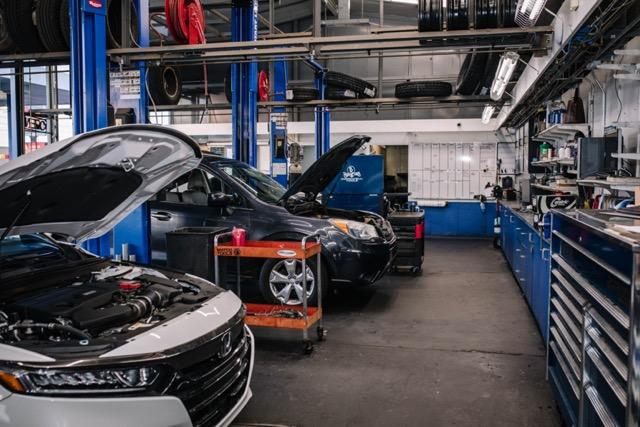
  4. 04 Wide view of the service bays
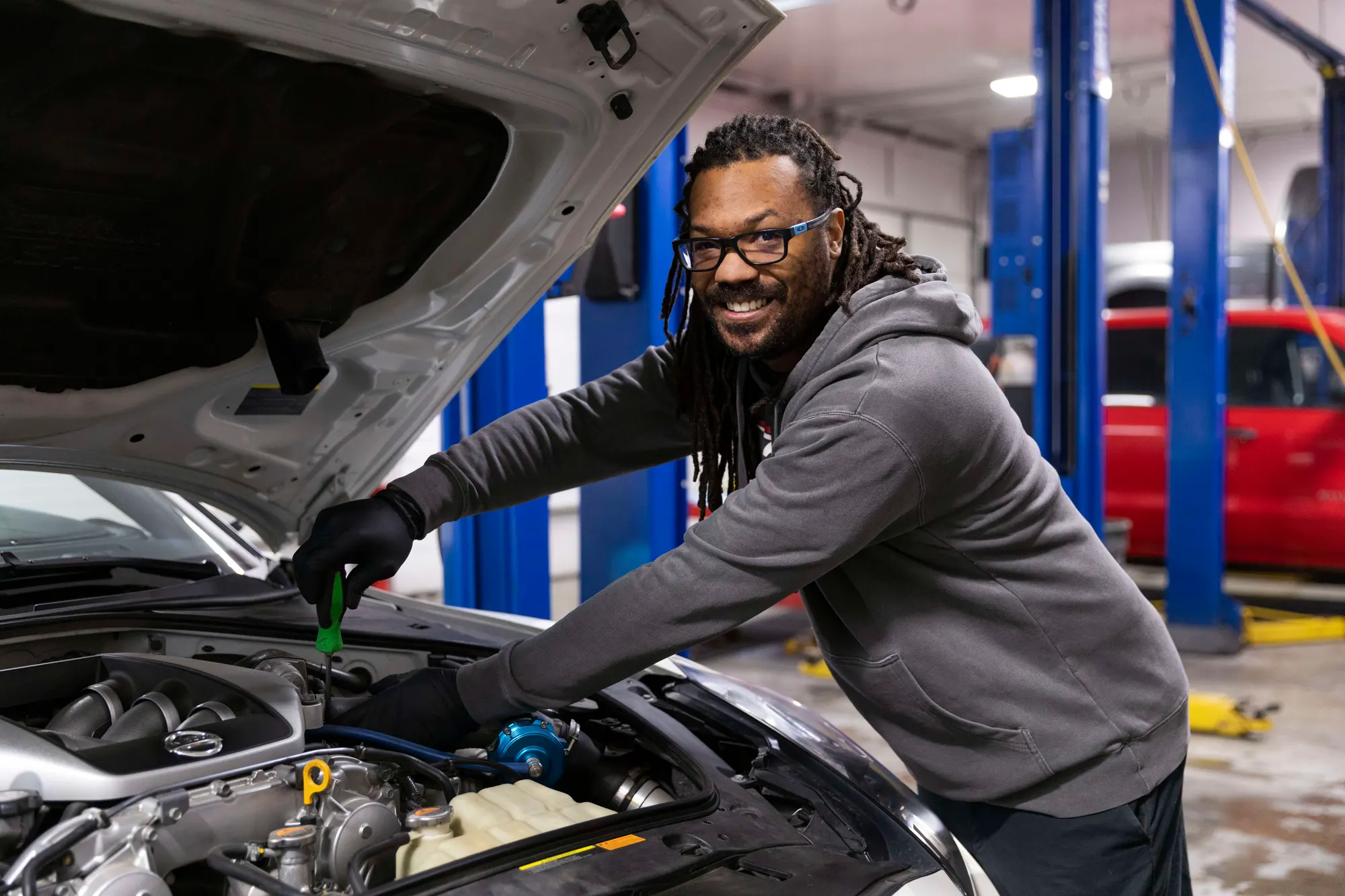
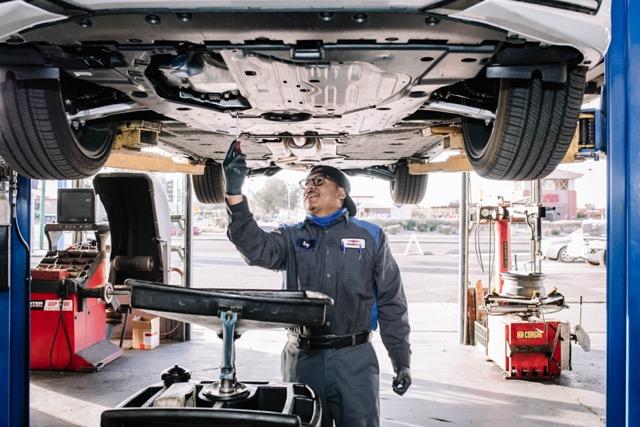
  5. 05 Technician inspecting a vehicle
  6. 06 Technician using a scan tool
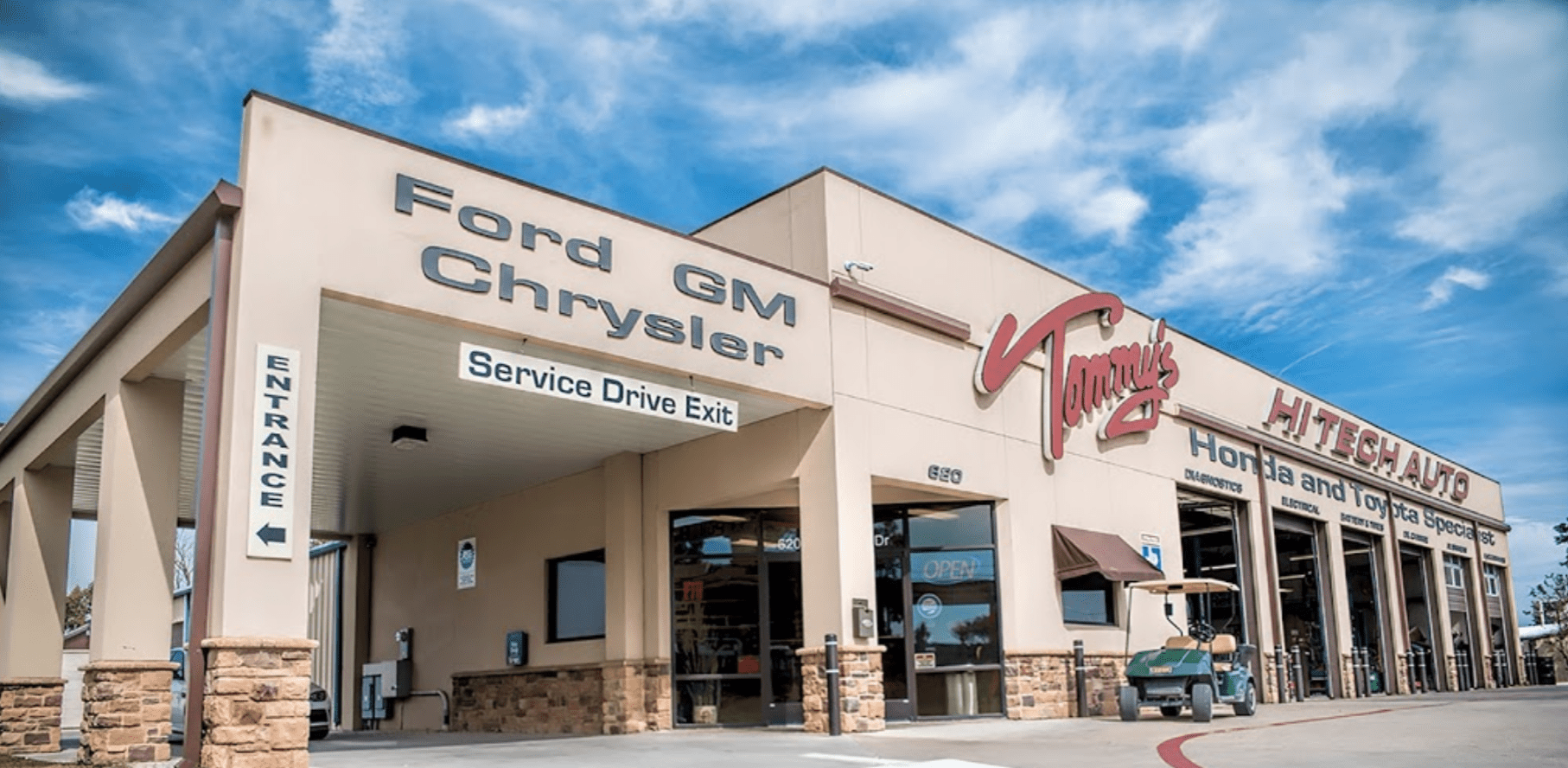
  7. 07 Shop sign and main entrance
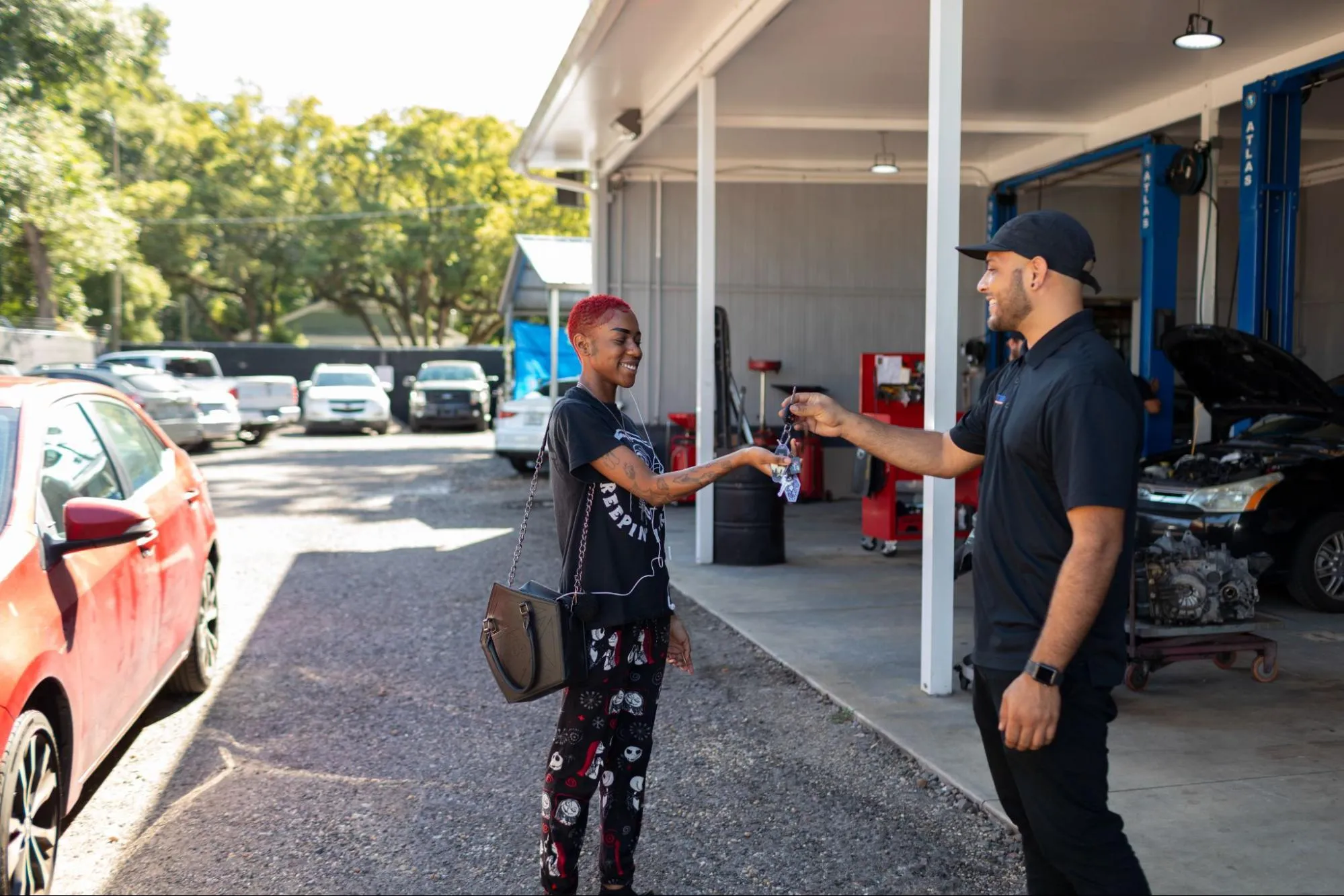
  8. 08 Key drop, loaner, or best customer convenience
  9. 09 One horizontal and one vertical version of every key scene

Complete checklist

Photograph the whole customer experience.

Cars on lifts matter, but they are only one part of the story. A useful library also shows the people customers will meet, the spaces they will enter, and the details that make your shop different.

01

Owners & team

Put a familiar, trustworthy face on the shop.

  • Owner portraits in both horizontal and vertical formats
  • Owners outside with the shop sign and inside near the service desk
  • Owner or owners with family in a relaxed or formal setting
  • Candid conversations with customers and team members
  • Pointing, inviting, and playful poses for promotions
  • A friendly full-team photo in clean, branded clothing
02

Customer areas

Show customers what it will feel like to visit.

  • A service advisor greeting, helping, or shaking hands with a customer
  • Reviewing an estimate on paper, a tablet, or a computer
  • Front-desk moments: answering calls, paperwork, and payments
  • A clean counter with branding and customer materials visible
  • Waiting-area seating, coffee, snacks, TV, and other amenities
  • The shop dog greeting customers or relaxing near the service desk

03

Inside the shop

Make skill, care, and professionalism visible.

  • Wide views of clean bays with vehicles on lifts
  • Technicians diagnosing, inspecting, and working with tools
  • Oil changes, brakes, tires, alignments, A/C, and scan-tool work
  • Digital vehicle inspections and close-ups of vehicle conditions
  • Steering, suspension, diesel, motorhome, or specialty work you offer
  • A mix of focused action shots and technicians smiling at the camera

04

Outside & local

Help a first-time customer recognize your shop and neighborhood.

  • Front signage in good morning, midday, and evening light
  • Service bays with the doors open and closed
  • A street view that shows the entrance and approach
  • The after-hours key drop and how a customer uses it
  • Loaner or shuttle vehicles with the branding visible
  • Recognizable local landmarks, murals, parks, or gathering places

What good coverage looks like

People. Place. Process. Proof.

Mix real interactions, clean facility views, and close-up work. The result should feel recognizably yours—not like a stock-photo library that could belong to any shop.

Auto repair team member helping a customer at the service counter
Clean auto repair service bays with vehicles ready for work
Auto repair technician inspecting the underside of a vehicle
Auto repair shop exterior with open service bays and visible signage

Before the camera comes out

Set up a photo day that stays on schedule.

A little planning keeps the day efficient and gives the photographer more chances to capture natural moments.

  1. 1

    Clean what the camera will see.

    Tidy the counter, waiting room, bays, parking area, and uniforms. Remove paperwork, license plates, and anything with private customer information.

  2. 2

    Stage people and vehicles.

    Choose representative vehicles, confirm who will be photographed, and schedule enough breathing room so the team can look relaxed instead of rushed.

  3. 3

    Capture every scene two ways.

    Ask for horizontal and vertical versions, plus one wide view and one close detail. That gives your website, social posts, ads, and print pieces room to work.

One last detail: secure permission.

Get releases from recognizable customers and team members, and make sure your photographer agreement gives the shop lasting rights to use the final images on the web, social media, ads, email, print, and recruiting.

Photography planning tips

Put the photos to work

Your best photos should do more than sit in a folder.

Turnkey can help your shop use a strong photo library across Google, your website, social content, campaigns, and recruiting—inside one coordinated marketing plan.

Schedule a Consultation